

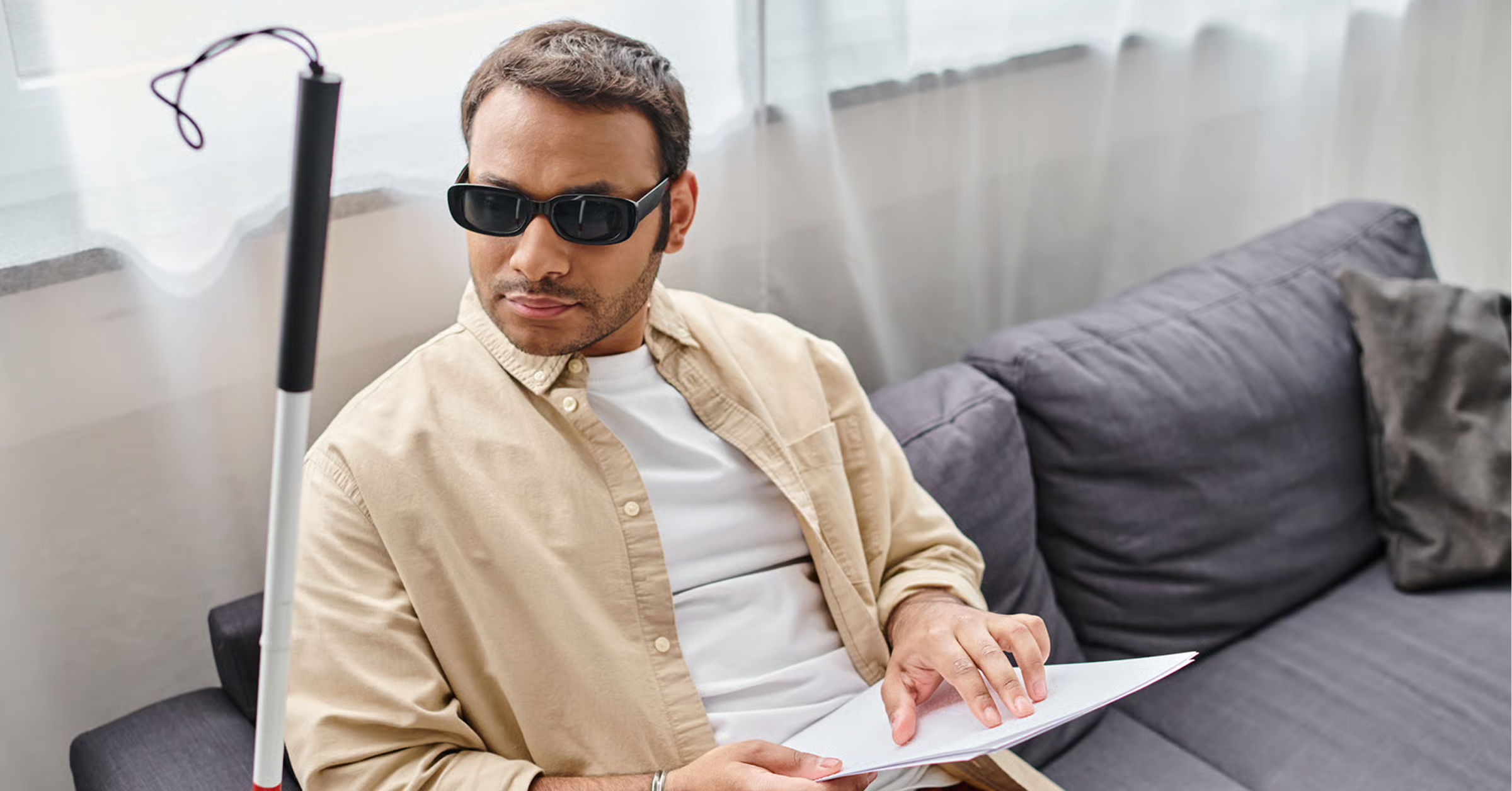
For many companies, website accessibility sits on the same list as cookie banners and privacy policies: a legal box to tick, usually after launch, often with a plugin.
That view leaves a lot on the table. More than 1.3 billion people, about 16% of the world's population, live with a disability, according to the World Health Organization. Add aging eyes, temporary injuries, bright sunlight on a phone screen or a noisy train without headphones, and the number of people who benefit from an accessible website is far larger.
Accessibility isn't a niche requirement. It's how you make sure every potential customer can find your site, understand it and act on it.
Most websites still fall short
The bar is low, which makes this an opportunity. The 2026 WebAIM Million study of one million home pages found that 95.9% had detectable accessibility failures, with an average of 56.1 errors per page, up 10.1% on the year before, as reported by Priority Pixels.
The same six issues accounted for 96% of everything detected, and they've topped the list for seven years running. These aren't complex engineering problems. They're everyday design and content decisions that teams can fix.
The business case for accessibility
1. You reach more of your market
Every barrier on your site quietly removes potential buyers: a form a screen reader can't complete, a button nobody can find by keyboard, or text too faint to read. Fixing those barriers widens your audience without spending more on traffic.
2. Your website converts better for everyone
The changes that help people with disabilities help everyone else too. Clear headings, readable contrast, descriptive buttons, labeled forms and simple navigation make every visitor's journey faster. That often shows up as better engagement and more completed forms.
3. Search engines and AI understand you better
Accessible websites are built on clean structure: logical headings, descriptive links, alt text on images and real text instead of text baked into images. That same structure helps search engines and AI tools understand and quote your content. Accessibility and visibility reinforce each other.
4. Your brand earns trust
An accessible site shows that you've thought about every customer. For larger organizations, accessibility often appears in procurement checklists, vendor reviews and ESG commitments, so it can also influence whether you win the deal.
5. You stay ahead of regulation
Rules are getting stricter. The European Accessibility Act began applying on 28 June 2025 and covers services such as online commerce and consumer banking. It can also affect companies outside the EU that sell to consumers there, according to Osborne Clarke. Building accessibility in now is far cheaper than retrofitting it under pressure later.
This is a general overview, not legal advice. Check the specific requirements for your markets with your legal team.
The six most common issues, and how to fix them
These six issues made up 96% of the errors in the 2026 WebAIM Million. Fix them and you've addressed most of what automated tools find.
A practical roadmap
Step 1: Audit what you have
Run an automated scan across your key pages to catch the obvious issues, then test the most important journeys by hand: navigate with only a keyboard, zoom to 200% and try a screen reader on your contact or demo form.
Step 2: Fix the foundations in your design system
Most issues start in shared styles and components. Fix contrast in your color palette, focus states in your buttons and labels in your form components once, and the improvements flow to every page.
Step 3: Train the people who publish
Marketers and content editors add images, links and new pages every week. A short checklist covering alt text, link wording and heading order keeps the site accessible after launch.
Step 4: Make it part of every launch
Add accessibility checks to your design reviews and quality assurance before anything goes live. It costs far less to catch problems in a design file than on a live page.
Step 5: Test with real people
Automated tools can't catch everything. Periodic testing with people who use assistive technology will show you the issues that matter most in practice.
Frequently asked questions
What is website accessibility?
Website accessibility means designing and building your site so people with disabilities, including visual, hearing, motor and cognitive disabilities, can use it fully. The most widely used standard is the Web Content Accessibility Guidelines (WCAG).
Can an accessibility plugin or overlay make my site compliant?
Overlays can adjust some things on the surface, but they don't fix the underlying code, content and design. Lasting accessibility comes from building it into your design system, templates and publishing process.
Does accessibility help SEO?
It supports it. Practices such as clear heading structure, descriptive link text, alt text and fast, well structured pages help search engines and AI tools understand your content, as well as people.
How long does it take to make a website accessible?
It depends on the size and age of the site. Fixing the most common issues on key pages can often happen within weeks. Building accessibility into a redesign is the most efficient approach of all.
The bottom line
Accessibility isn't a cost of doing business online. It's a way to reach more people, convert more of the visitors you already have, strengthen your search visibility and build trust in your brand. The fixes that matter most are well known and achievable. The companies that act now will simply have better websites.
At Clay9, our Builder Studio builds accessible websites from the ground up, and our Design Studio creates design systems with accessible color, typography and components built in. If you're weighing a rebuild, start with Webflow, WordPress or headless. See our work, or let's talk about making your site work for every visitor.
Sources
- Disability fact sheet, World Health Organization
- Web accessibility is getting worse according to the 2026 WebAIM Million report, Priority Pixels
- EU Accessibility Act: two months to go, Osborne Clarke